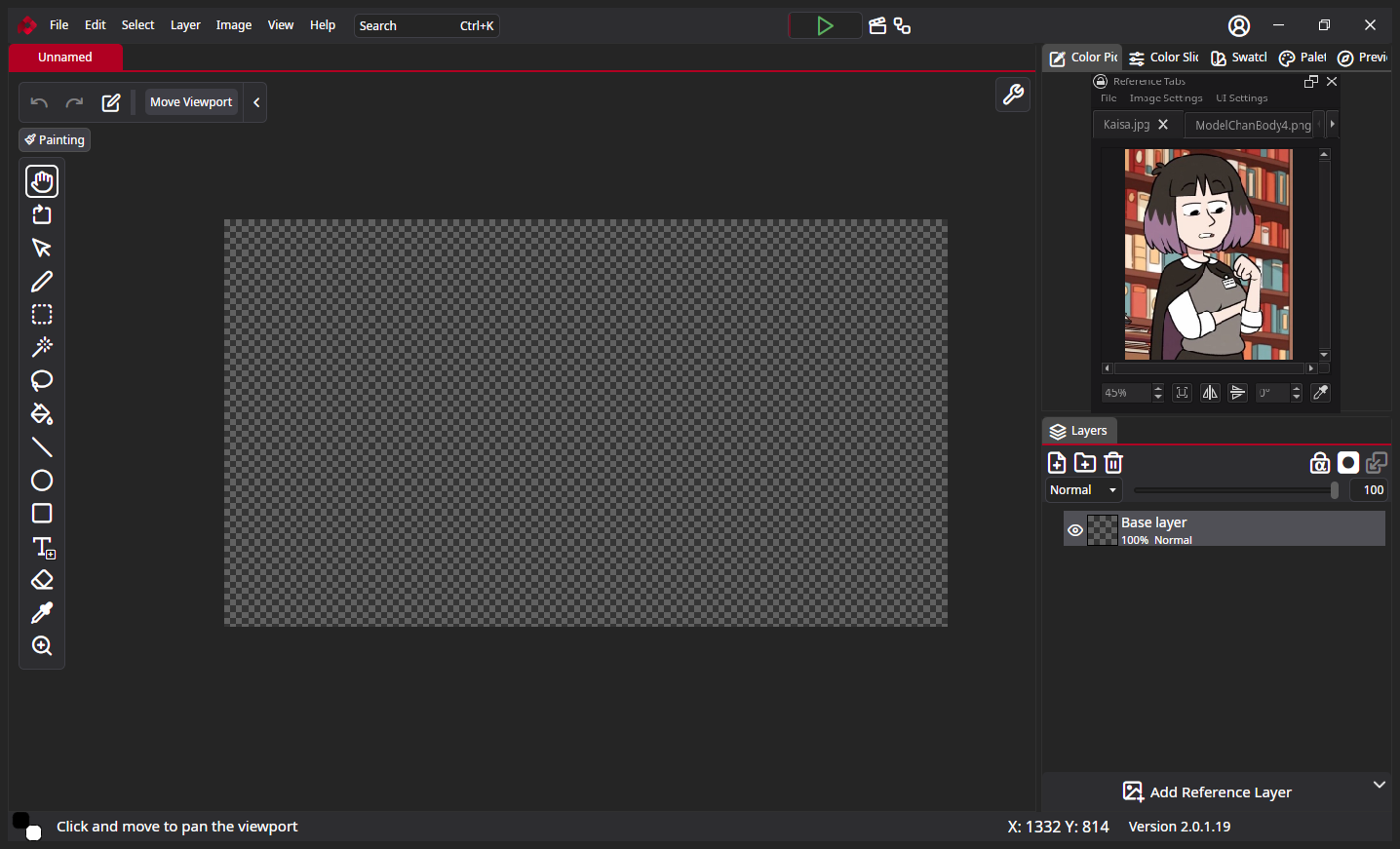
The title should explain itself better with the post. I would like to import existing images as layers in an existing project and have a reference panel, similar to krita’s removed image docker.
Behold, a reference panel mockup made in krita:
Edit: i’m aware of the reference layer, but it locks an image to the very back which makes it cumbersome to hide every other layer to look at it.
1 Like
Hey, thanks for the feedback. In the development release, we’ve added things that makes this possible. Not exactly as in your mockup, but still
If you’re using development version:
The easiest way would be to simply drag your reference image into layers. By default it will be embedded as a smart layer, which renders in high resolution on small canvases.
But in current stable version (2.0.1.19), there’s “Put reference layer above” option if you missed it

Thank you, I’ll have to give the development version a go