Hello,
I just downloaded today and I think this has a lot of potential. It seems as though this project is quite ambitious so I am worried that you will be spread to thin. As the ideas are all really cool. (Ones that stood out to me were skybox painting and 3d texture painting) I would love if I could truly have a 2d inspired texture painting software where I can paint on models and adjust colors destructively. This may be out of scope though which is okay.
From just trying it out coming from Krita and Blender as a digitalpainter/cg artist the navigation is a little cumbersome at the moment. Zooming on the canvas requires the tool to be selected. But in photoshop or krita for example, you can use ctrl + middle mouse and drag. Also shift + middle mouse to rotate canvas. Navigation is the first thing a lot of painters will notice.
Maybe Ill bullet point some ideas. Please let me know if I am mistaken anywhere.
-
Cleaner navigation. Toggle for zoom and rotate canvas makes it much easier especially when using pen tablet. (These shouldnt require shortcuts, instead mouse/key inputs + drag)
-
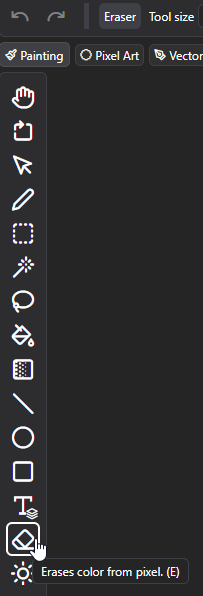
option for eraser tool same as brush tool. Basically a subtract version of current brush. With option to have eraser brush size seperate from brush size.
-
Color picker needs love. No icon. And no color display. (Also toggle like shift + ctrl to select current layer color in case of adjustment layers affecting color)
-
Available shortcuts to fill canvas on current layer or fill layer (retaining alpha).
-
Quick destructive color adjustments like curves R, G, B, luminance, Krita is a great reference for curves adjustment as it has saturation and brightness also. Which can be a secret weapon for color adjustment. *Note painters often want destructive color adjustments, as we like pushing colors around. If we are forced to create an adjustment layer each time, it becomes cumbersome and its difficult to continue painting. One of the reasons I dont like Substance Painter.
-
Perspective guides, Krita or Clip Studio Paint are good examples.
These are just a few points I noticed while playing around with painting. Hopefully I can come back and test later. I had some spare time at work to try out some new cool software 
The software looks great I hope it gets more funding!