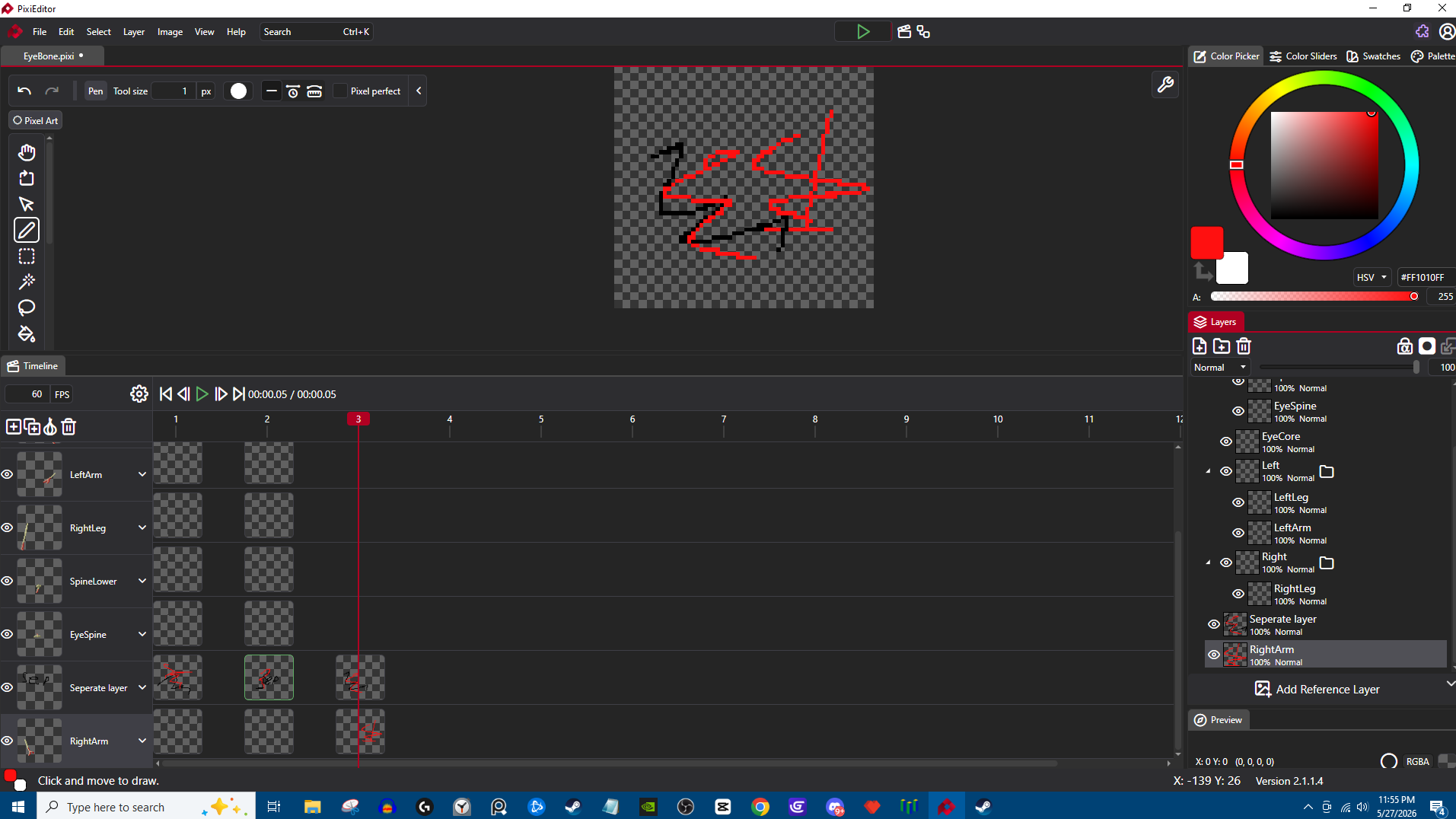
really enjoy the program so far but this is a problem with animating with groups.I tried to make my base sprite into one big group system like using bones using the layers and for some reason they all appear blank in the timeline and if I hit the hide eye it shows the original artwork. if I draw over the old art it lets me save the new scribbles on them in the time line like in the picture is this a bug or user error ? I appreciate any responses yall have . I really want this to be my pc solution for pixel art ( I currently use mobile for all my art)
Did you use Create empty cel (first button on the left, the +) or duplicate cel (second button, a + with 2 rectangles) when creating timeline for layers?
I tried both and had no results yesterday I will try it again in the morning .
when I tried it before even trying to place a blank one it would move the timeline forward just like it does when it normally places a cell but there is no cell.
For context the animation squares were fine when I was trying to animate normally at first,But then I erased all the cells and after grouping all the layers together and trying to make a new frame it was then that I noticed it would not make new cells. Unless I wrote over the old cell.( note even after writing over the old cell it still treated the original as if it was not there like in the picture)
it is as if the timeline thinks the canvas is empty.
Is this a user issue ? Or is it a bug with me trying to use groups.
Hmm, do you mind sending the file? I’ll take a look. You can DM me if you don’t want to attach it here
I figured it out linking a unlisted video to show what fixed it.
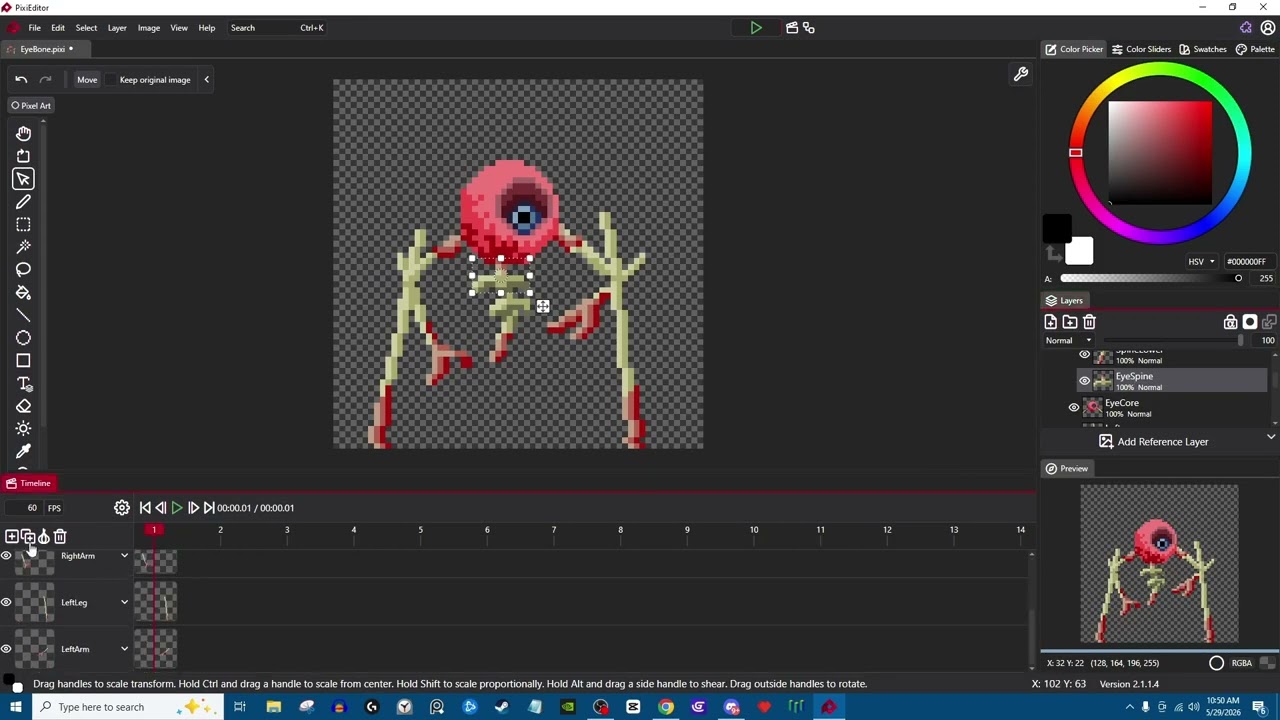
do you still need the file ?
EyeBone.pixi (26.1 KB)
note for every frame I still have to drag it to the first frame then back for it to work as intended so I would consider that still bugged. File provided has one frame currently bugged still to show you what I mean .
Edit actually I still think it’s broken because trying to copy the frame makes it still invisible.
Is there any other information I can share to help figure out what is happening here? Also I appreciate you looking into this!
I think I figured it out!! (its an edge case) It’s because whenever I try to copy a frame it moves the timeline to the next frame and when I go down to the lower item ( a different part aka layer) and copy it. it’s still on the new frame even if I click the item on a previous frame .
Solutions to prevent this would be (A) keep the frame on the one that’s copied ( which would be annoying for animating or by (B) making clicking the cell on any layer of a frame automatically move it to that frame. Personally I feel like the latter would stop it from happening.
Update that in fact did not fix it im not sure what the issue could be.