How to apply a shader on one layer only?

I am writing a shader to apply only on one layer of a picture:

uniform vec2 iResolution; // The resolution of current render output. It is usually a document size.

uniform float iNormalizedTime; // The normalized time of the current frame, from 0 to 1.

uniform int iFrame; // The current frame number.

uniform shader iImage; // The Background input of the node, alternatively you can use “Background” uniform.

uniform shader iNoise;

half4 main(float2 uv){

half4 color = iImage.eval(uv);half4 noise = iNoise.eval(uv);

return half4(color.rgb * noise.x * 2, color.a * step(0.5, noise.x));

}

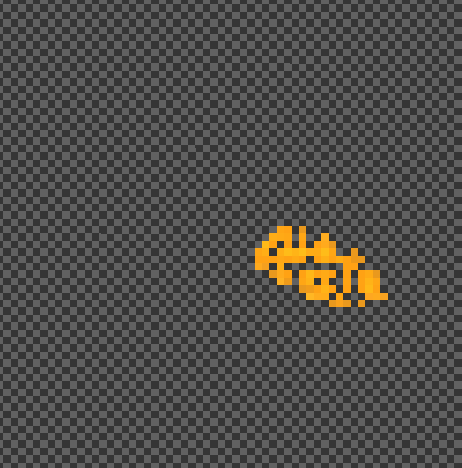
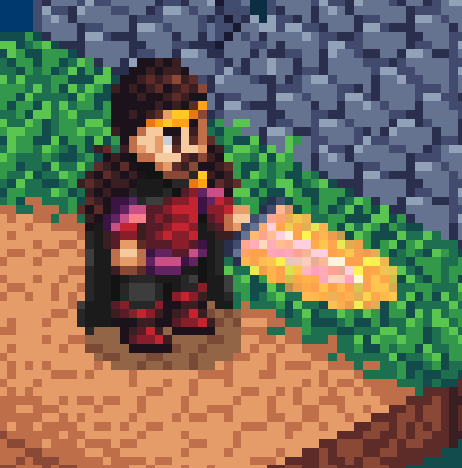
Working with a custom output, I can see that the less opaque pixels are removed (the step function). However, in the full picture, no pixel from the effect layer are removed, but still the effect is only applied to the shape drawn in this specific layer. Do somebody knows what is happening?
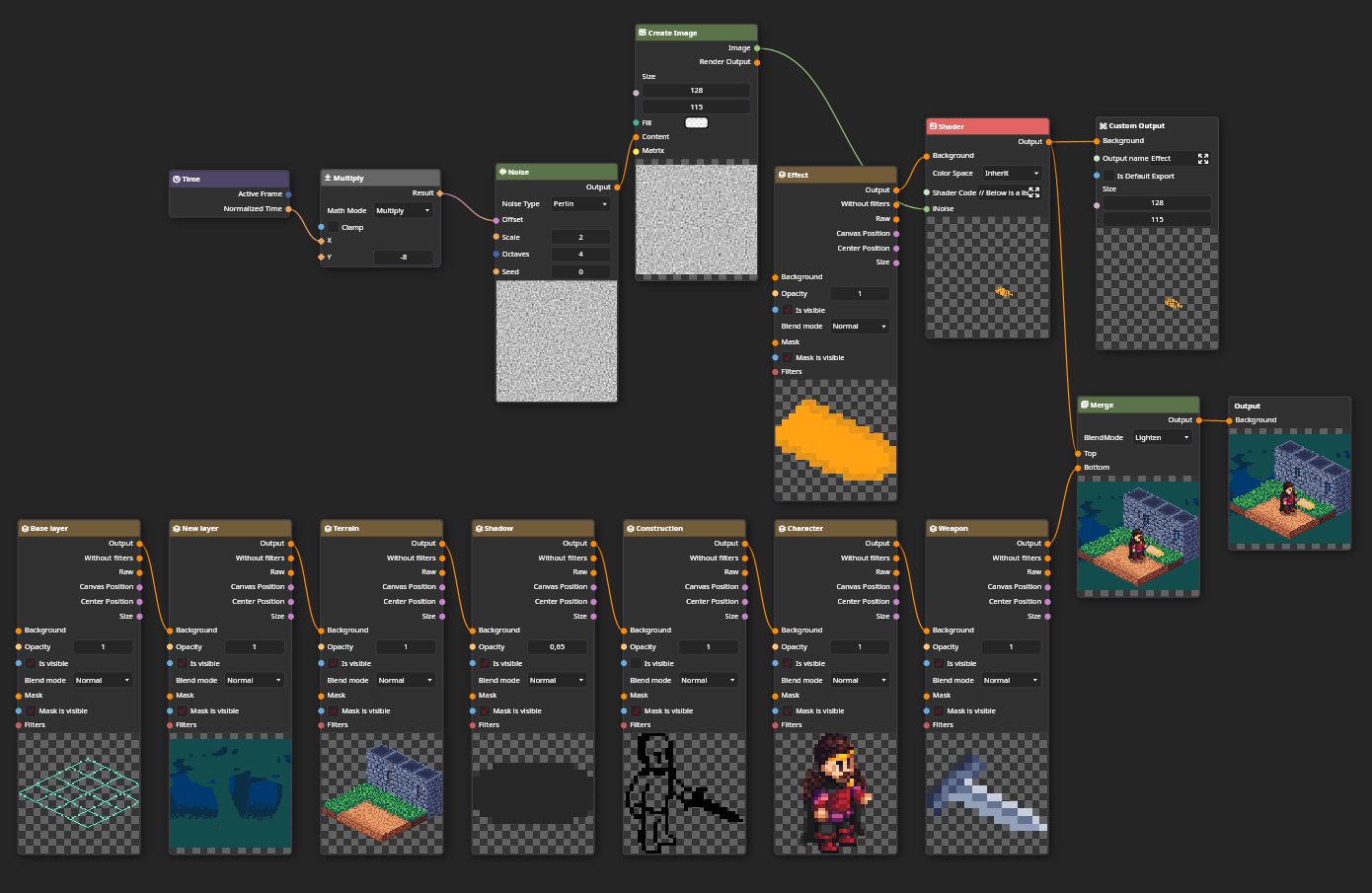
Tbh no idea what is going on, if i’m not missing anything it looks like it should work. Could you post your .pixi?

Here it is.

arthur.pixi (25.8 KB)

Custom shaders does not premultiply alpha by default, so you need to do it yourself.

uniform vec2 iResolution; // The resolution of current render output. It is usually a document size.

uniform float iNormalizedTime; // The normalized time of the current frame, from 0 to 1.

uniform int iFrame; // The current frame number.

uniform shader iImage; // The Background input of the node, alternatively you can use “Background” uniform.

uniform shader iNoise;

half4 main(float2 uv){

half4 color = iImage.eval(uv);half4 noise = iNoise.eval(uv);

float alpha = color.a * step(0.5, noise.x);
return half4(color.rgb * noise.x * 2, alpha) * alpha;

}

1 Like

That was what I needed, thank you!