Hi, I just installed PixiEditor. When I open the app, the system font is simply just not readable. How can I change the default system font so that I can read the menu properly
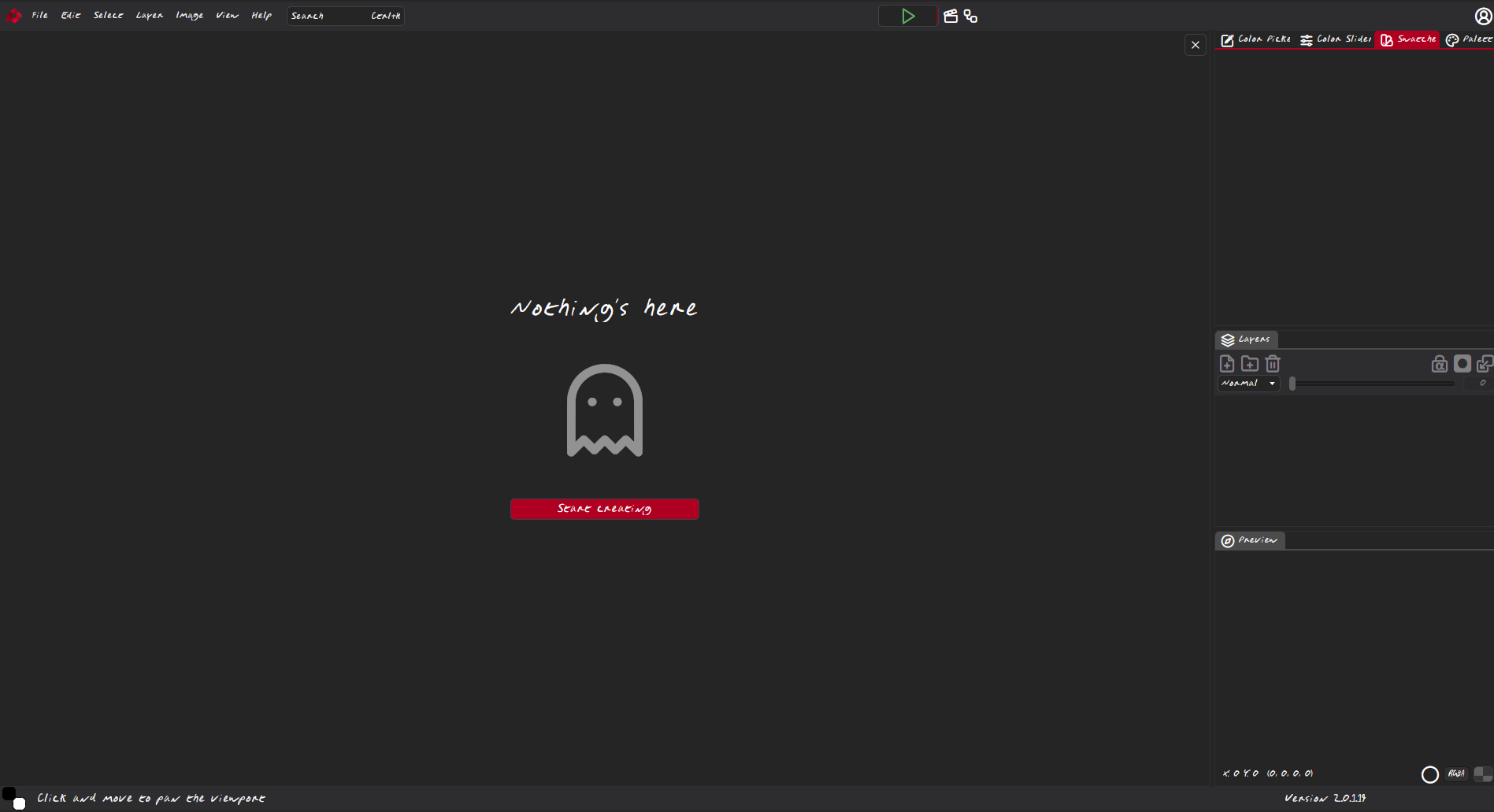
If you are using the Steam version, you can download the latest version from “development” channel (right click on game > Version & Betas > Development).
Then, go to “Edit > Settings > Accesibility“, and you can change the text & icons size 
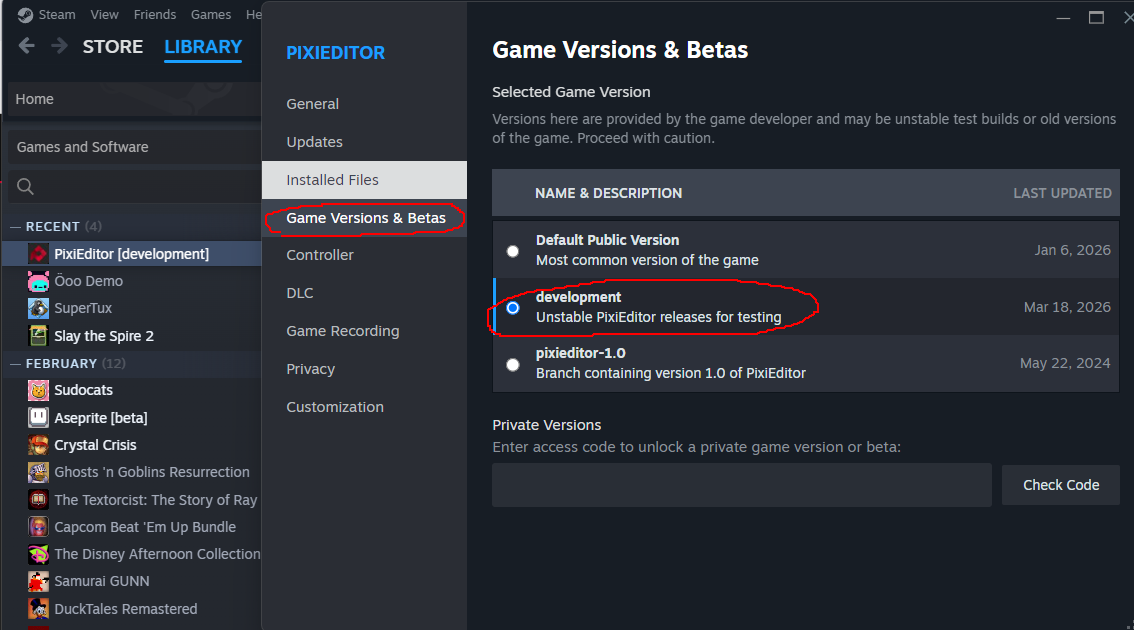
Here’s a screenshot of the scaled UI (the settings window is the only one that doesn’t scale, but that’s intentionally made to avoid certain problems)
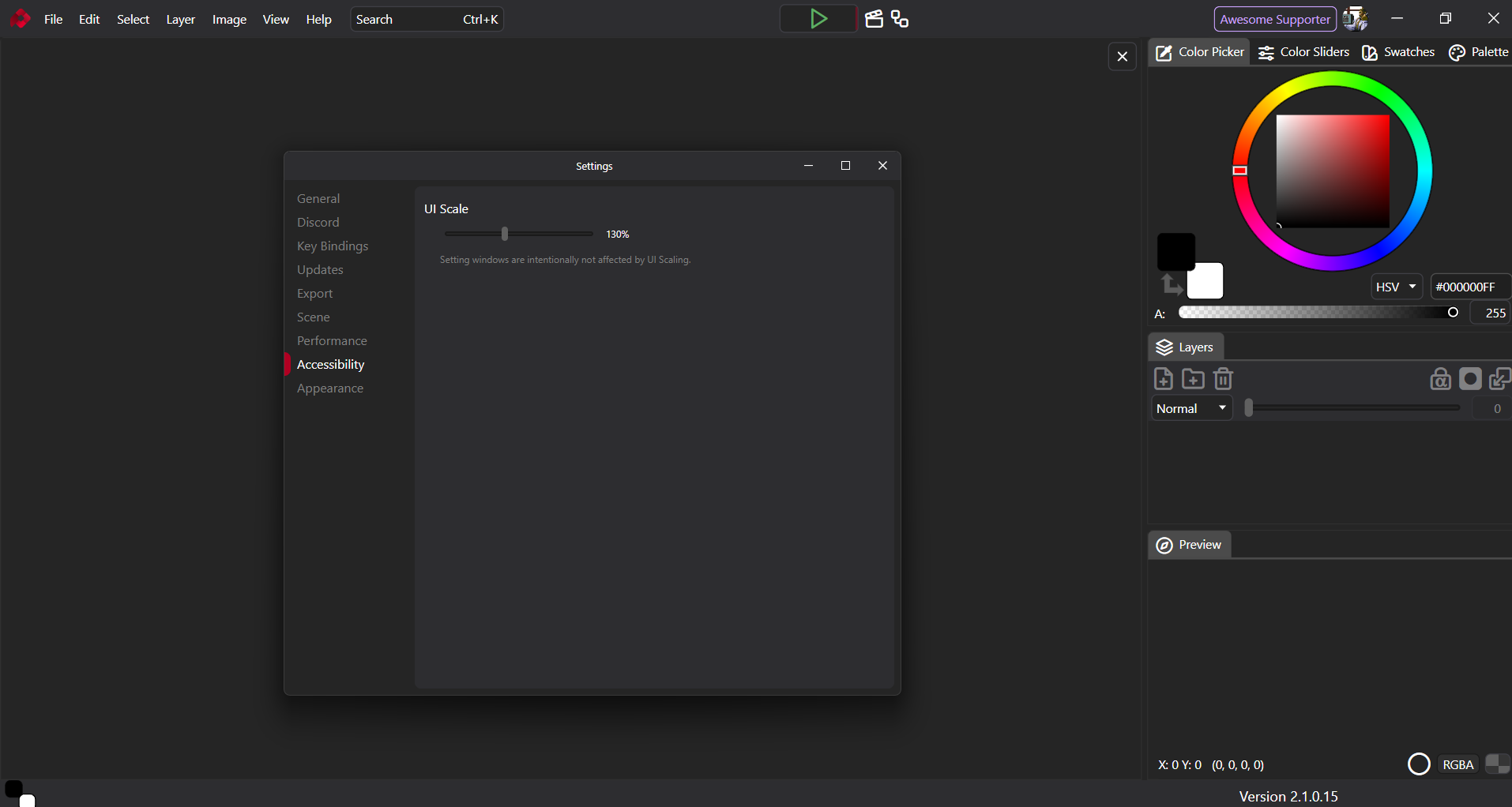
Oh, sorry, I didn’t realize that you wanted to change the font and not the size 
What operating system are you using?
I’m sorry… I am indeed using the desktop version, not the stream version. From the About screen, I amd using Version 2.0.11 Release Wild.
I don’t see an “Accessibility” option in Edit>Settings.
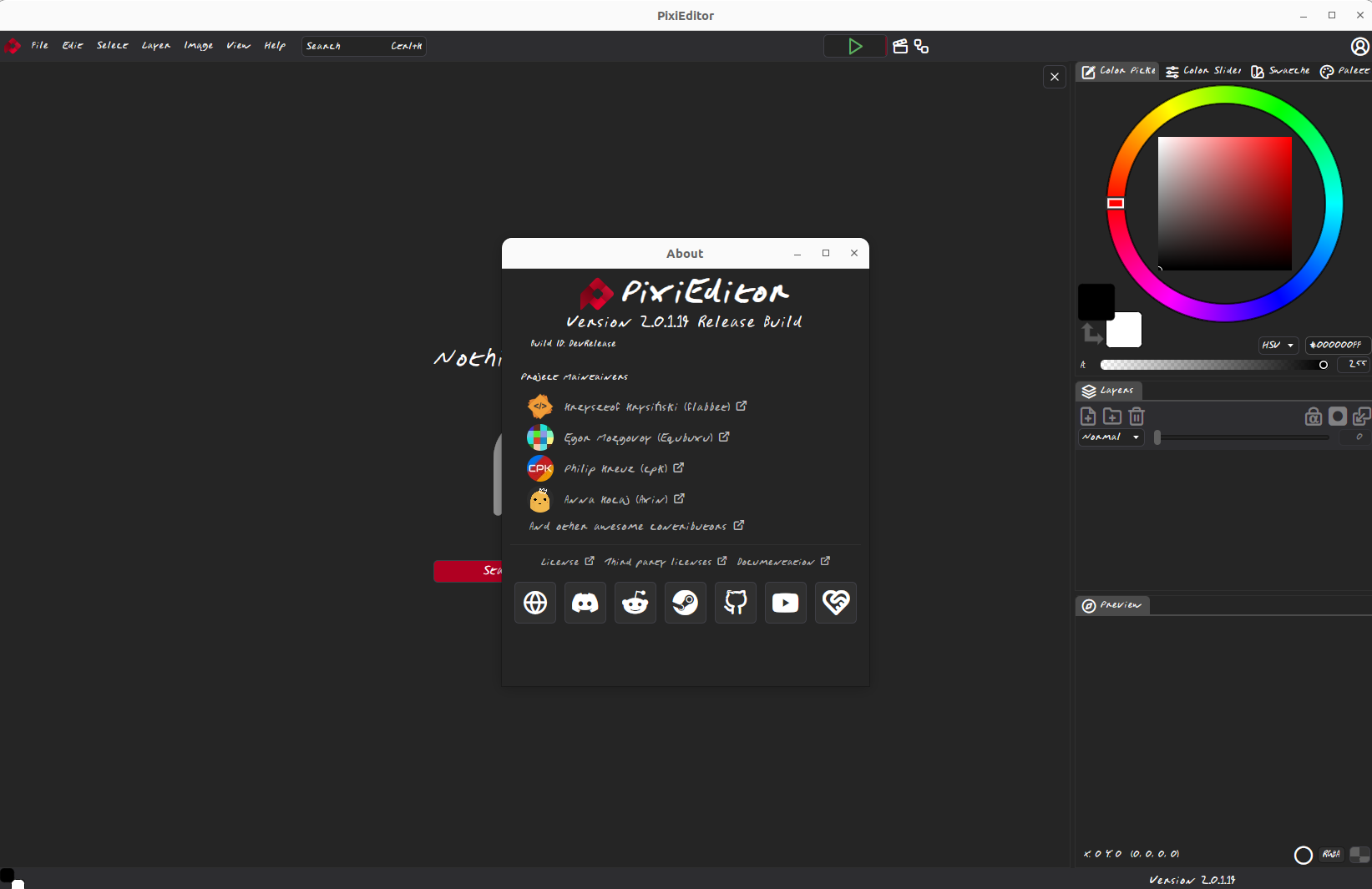
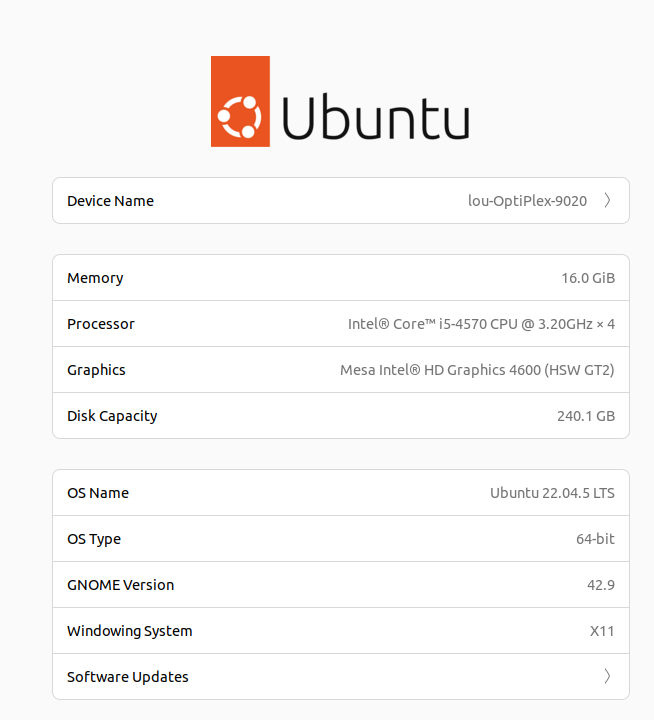
Hmm, I’m afraid it can only be fixed by tweaking system settings. PixiEditor doesn’t have a way to change it. Do you get this issue on other apps as well?