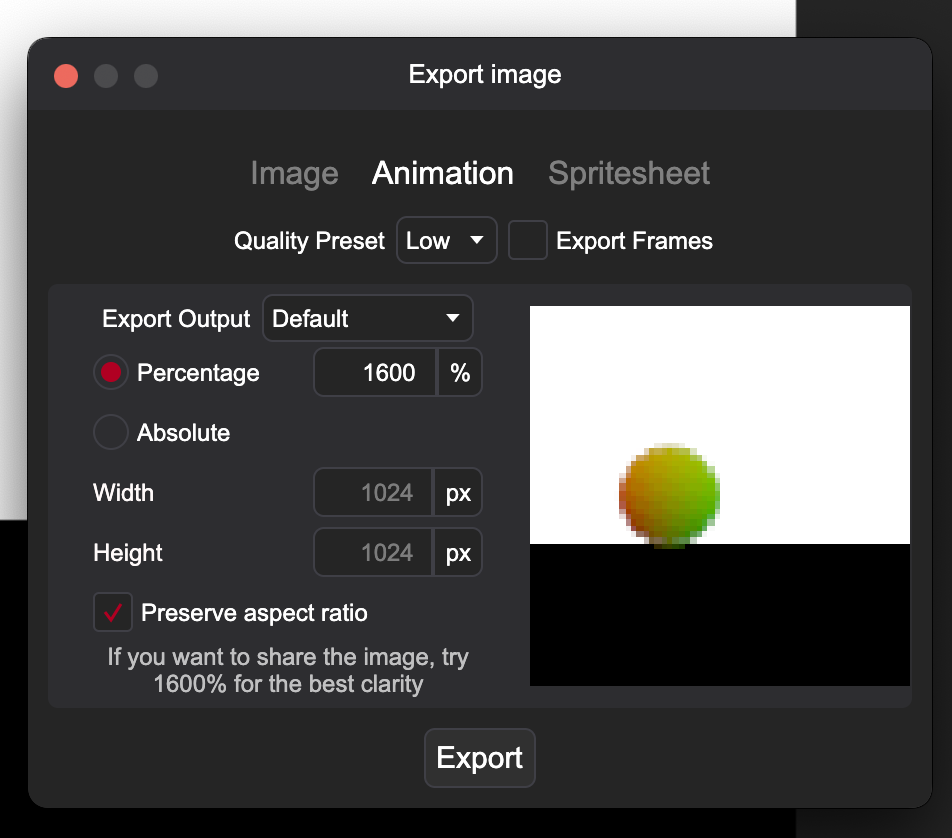
Export to GIF failing on MacOS. I hate save, the bar fills to exactly 50% each time, and then I get an error window with an empty RenderTemp folder. Here are my export settings along with the pixi file
Ball Rolling.pixi (3.7 KB)
Export to GIF failing on MacOS. I hate save, the bar fills to exactly 50% each time, and then I get an error window with an empty RenderTemp folder. Here are my export settings along with the pixi file
Ball Rolling.pixi (3.7 KB)
When I start Pixieditor via the terminal and export your file, I get the following error:
System.IO.FileNotFoundException: FFmpeg binary not found

   at PixiEditor.AnimationRenderer.FFmpeg.FFMpegRenderer.MakeExecutableIfNeeded(String binaryPath)

   at PixiEditor.AnimationRenderer.FFmpeg.FFMpegRenderer.RenderAsync(List`1 rawFrames, String outputPath, CancellationToken cancellationToken, Action`1 progressCallback)

   at PixiEditor.Models.Files.VideoFileType.TrySaveAsync(String pathWithExtension, DocumentViewModel document, ExportConfig config, ExportJob job)

   at PixiEditor.Models.IO.Exporter.TrySaveAsync(DocumentViewModel document, String pathWithExtension, ExportConfig exportConfig, ExportJob job)
I have ffmpeg installed on my Mac.
                                                                                                                                                                                    ➜  ~ which ffmpeg
/opt/homebrew/bin/ffmpeg
Hey, thanks, I confirm the issue exists. I’ll make an update in the next days fixing it.
I have released a fix on development channel in version 2.0.1.8-dev
You can download it by follow this guide Switch to development channel guide