Hi, I’m trying out PixiEditor 2.1.0.23.
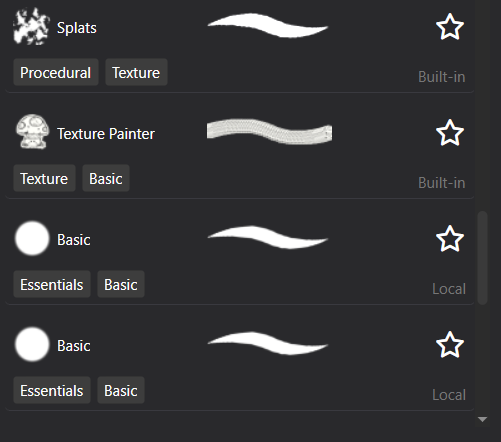
I want to create custom brushes, but I’m running into an issue. If I duplicate a built-in brush without editing it, then close the brush window, the brush disappears from the list.
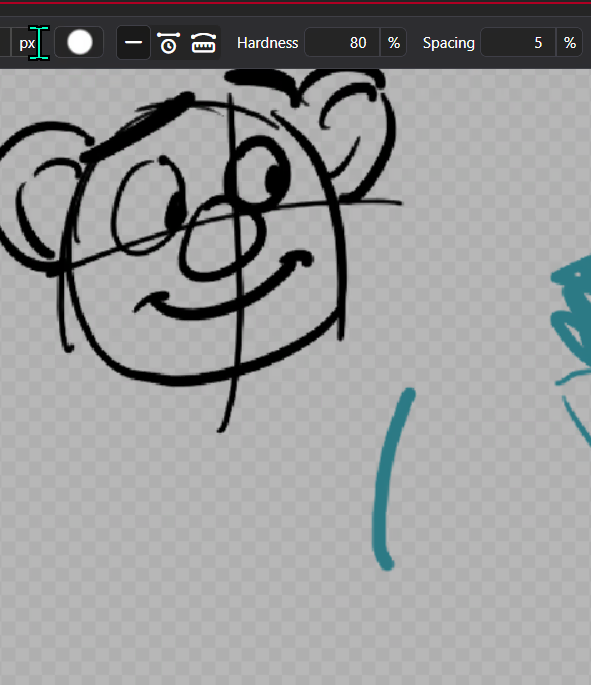
Another minor UX issue – the duplicated brush is added ABOVE the old one, not below like I’d expect. That makes the new brush easier to miss.
The cloned brushes ARE indeed added to the brush folder, though.
They’re saved as BASIC_clone.pixi, BASIC_clone(1).pixi, etc.
By the way, I think it’s super clever and cool that the brush files are just normal .pixis!
Thanks for making this very promising program!